
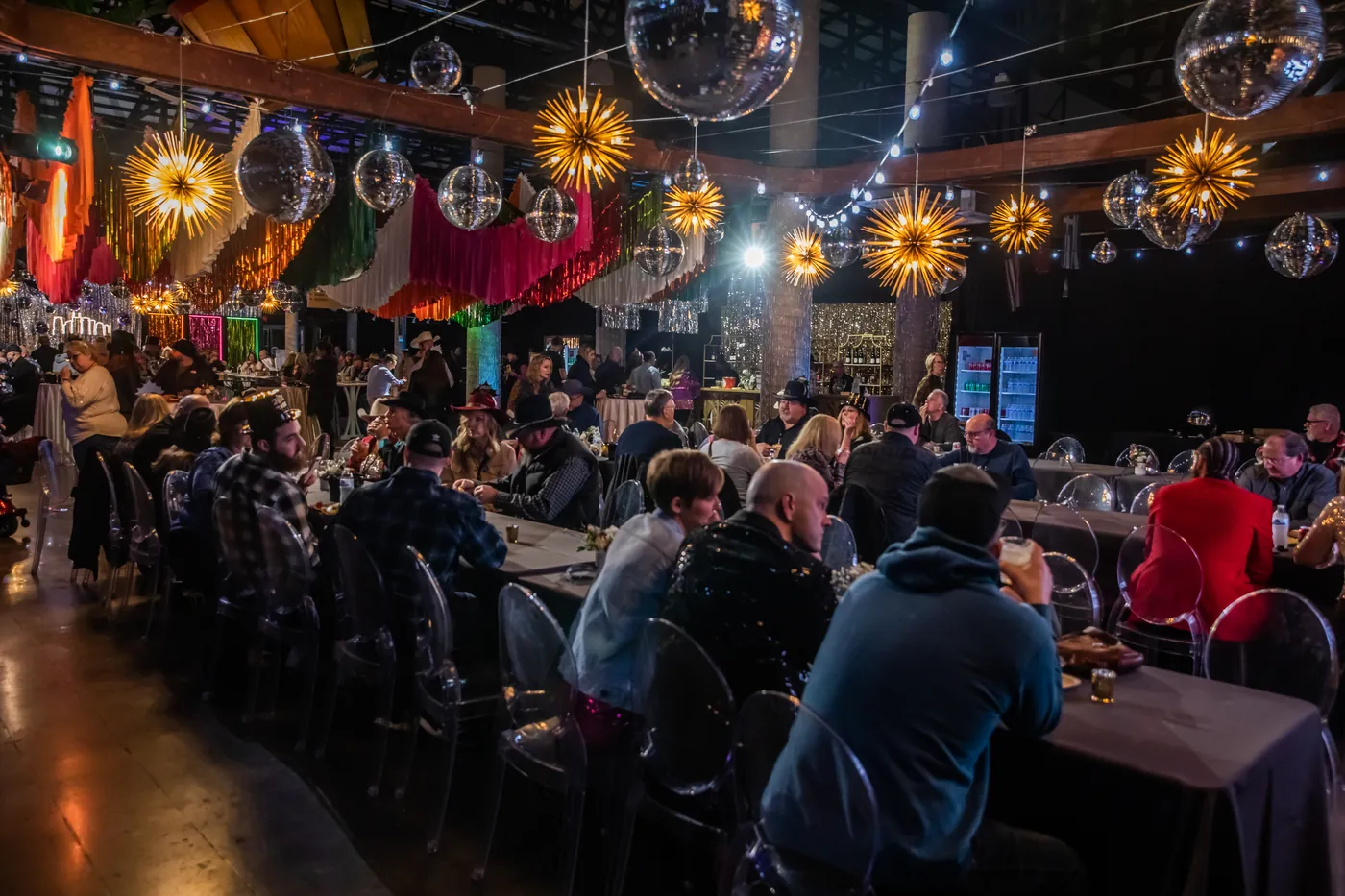
If you’re bringing a convention, association meeting, or multi-day corporate program into Nashville’s Music City Center, audio-visual is one of the first decisions that locks cost, quality, and stress level for the whole show. This guide is written for planners — especially out-of-town teams — who need a clear path from first room diagram to final strike.
Nashville Audio Visual (NAV) has produced events inside MCC for years as an independent production partner — not the building’s in-house AV provider. We know the dock, the freight routes, the ballrooms, and the concurrent-breakout grind. Use this page as a planning checklist; when you’re ready for numbers, request a quote or call 615-988-4554.
What You’re Working With at MCC
The Music City Center is roughly 1.2 million square feet downtown, including a large exhibit hall footprint, the Karl Dean Grand Ballroom, the Davidson Ballroom, and dozens of meeting rooms. That scale is why AV planning has to be deliberate: a general session package that works in a hotel ballroom may be underpowered in a grand ballroom, and twenty breakouts need a coordination plan — not twenty last-minute projector carts.
- Karl Dean Grand Ballroom — main-stage general sessions, awards, keynotes
- Davidson Ballroom — mid-size general sessions, banquets, secondary stages
- Exhibit halls — booth AV, aisle signage, stage activations, power planning
- Meeting-room levels — concurrent breakouts, workshops, board meetings
- Concourse / registration — digital signage, wayfinding, badge pickup audio
For a service overview of how NAV works in this building, see our Music City Center AV page and broader Nashville convention AV coverage.
Outside AV vs. In-House AV at Music City Center
You can bring an independent production company into MCC. Many large shows do exactly that to control price, gear selection, and crew quality. In-house AV is convenient when you want a single vendor already embedded in the building — but convenience is not always the best value, and you are not automatically locked into it.
- Get two bids on the same scope. Same rooms, same days, same screen size, same wireless count. Itemized side-by-side is the only honest comparison.
- Watch labor language. Setup, show call, and strike hours move the total as much as the gear list.
- Confirm insurance and building requirements early. COIs, rigging rules, and power procedures should be routine for any serious vendor — not a scramble the week of show.
- Keep one point of contact. Your production partner should own coordination with MCC event services so you are not translating between three vendors on load-in day.
Hotel events have a similar decision path — see the hotel contract guide and our hotel AV services page if your MCC program spills into downtown hotels for overflow rooms or VIP dinners.
Build Your MCC AV Plan by Zone
1. General session / main stage
- PA sized for the actual ballroom footprint (not a “standard package” guess)
- Line arrays or distributed systems for even speech intelligibility
- Wireless handheld + lavaliers for presenters; spare RF channels planned
- IMAG / confidence monitors so presenters and cameras stay honest
- LED wall or high-lumen projection sized for farthest seats
- Presentation switching, clickers, and a tech table with comms
- Stage lighting with key light for video and photography
- Optional: live stream mix for hybrid attendees
2. Concurrent breakout rooms
- Standardized room kits (display + audio + clicker) so facilitators don’t reinvent each room
- A rooming list tied to your agenda — not “we’ll figure it out on site”
- Floater techs for room turns and mid-day changes
- Spare cables, adapters, and one backup projector/display per zone
3. Exhibit hall
- Booth AV and power planned against the floor map, not after booths are built
- Aisle or stage activations with their own audio so they don’t fight the PA
- Digital signage for hours, sessions, and sponsor loops
4. Registration & wayfinding
- Displays for badge pickup queues and session boards
- Quiet background audio only if it helps flow — never competing with announcements
- Clear ownership of who updates content day-of
LED Wall vs. Projection at MCC
Ballrooms and halls at MCC often have ambient light, tall ceilings, and wide seating footprints. That is where LED walls earn their keep: brightness, contrast, and presence when house lights stay up for note-taking or camera work. Projection still wins for certain budgets, darker rooms, and ultra-wide custom shapes — but underestimating screen size is the #1 visual mistake we see on general sessions.
For a deeper decision framework (pixel pitch, LED vs projection, event types), read LED Video Wall Rental Nashville: Spec & Decision Guide. For broader pricing context across audio, video, and lighting, see How Much Does AV Rental Cost in Nashville?
Power, Rigging, Dock & Load-In
Great creative dies on a short power drop. Before you lock the show flow, confirm:
- Power — amperage, panel locations, distance to stage, and whether distro/generators are needed for peak loads
- Rigging — points, weight, and who is authorized to hang (line arrays, LED, truss, scenic)
- Dock & freight — load-in windows, elevator/freight paths, and strike timing against the next show
- Labor windows — setup day vs show day vs strike; overage rates if the agenda runs long
NAV plans power with the same seriousness as the PA. If your show needs event distribution, power & distribution services are part of the production conversation — not an afterthought.
Timeline: When to Do What
- 8–12+ weeks out — share room diagrams, agenda draft, expected headcount, and whether hybrid streaming is required; request itemized AV bids
- 6–8 weeks — lock general-session design (screen size, PA approach, wireless count); reserve LED walls and specialty gear
- 3–4 weeks — finalize breakout kits, registration displays, and run-of-show; COI issued to MCC
- 1–2 weeks — content formats confirmed (resolutions, clicker workflow, speaker notes); crew call sheets
- Show week — load-in, system test, speaker walkthrough; tech rehearsal before doors
- Strike — planned against dock schedule so the next event is not your problem to solve at 1 a.m.
Planning from Out of Town
Most MCC clients NAV works with are not based in Nashville. That is normal. A remote-friendly production partner should:
- Walk your contracted spaces virtually (or with photos/diagrams you already have from MCC)
- Translate your agenda into a room-by-room AV matrix
- Give you one all-in quote (gear + labor + delivery + strike) you can defend to stakeholders
- Coordinate with Music City Center so you are not the middleman for every power question
- Put a local crew on the ground for load-in, show call, and strike
Common MCC AV Mistakes (and How to Avoid Them)
- Booking AV last. Peak Nashville months fill high-demand inventory first.
- Under-sizing the main screen. Empty-room intuition fails when 1,000 people stand up.
- Ignoring concurrent breakouts. Twenty rooms need a system, not twenty separate vendors.
- No tech rehearsal. Thirty minutes with keynotes and the switcher prevents public failures.
- Hybrid as an afterthought. Remote attendees need a dedicated audio mix and operator — not a laptop in the back.
- Comparing only the bottom line. Line-item apples-to-apples beats a single lump sum every time.
How Nashville Audio Visual Runs MCC Shows
We’re a Nashville production company (since 1995) that works inside the Music City Center as an independent partner — not as exclusive in-house AV. That means:
- Itemized quotes you can compare to any other bid
- Building knowledge: dock, power, rigging, and room realities
- Full production stack — audio, video / LED, lighting, staging & production
- Insurance, COIs, and coordination with MCC event services
- Local crew for remote planners who need boots on the ground